
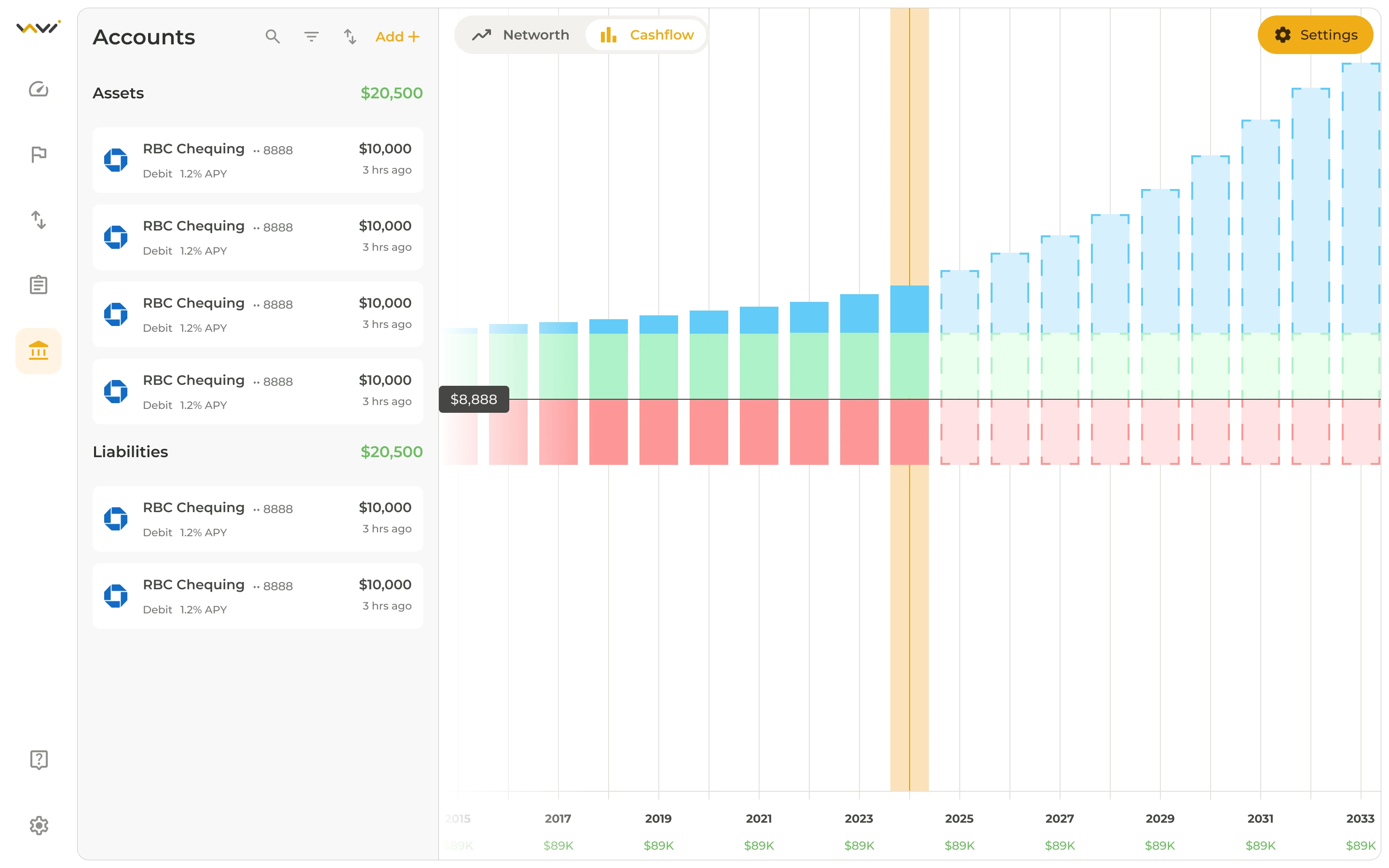
Many budgeting apps are built around US banks first. If you live in Canada, a few checks up front save you from paying for an app that cannot see your accounts.
1. Does it connect to your Canadian bank?
Automatic transaction sync is the difference between a budget you keep and one you abandon. Before you commit, confirm the app lists your bank or credit union and supports Canadian institutions, not just US ones. Savi Finance supports real-time bank connections in both Canada and the US through Plaid and Finicity.
2. Can it handle Canadian dollars?
Check that balances, goals, and plan pricing work in CAD. Savi lets you add assets in any currency, and its plans are priced in Canadian dollars, so you are not converting from USD in your head.
3. Can you bring your history with you?
If you are leaving Mint or a spreadsheet, look for CSV import so you do not start from zero. Savi imports Mint CSV files directly, with no reformatting.
4. Can you budget with a partner?
Shared money works better when each person keeps their own login. Look for shared goals and permissions rather than a single shared password. Read how couples and families can budget together.
5. Is there a free tier to test with?
Try the app on your real accounts before you pay. Savi has a free tier that needs no credit card, and paid plans are listed in CAD on the Canada page and the pricing page.
Once your accounts are connected, the next step is looking ahead. See how to build a cash flow forecast.