Track Your Accounts, All in One Place

Get a complete view of where your money is right now—so you can plan with confidence, set realistic budgets, and move toward your goals.

Visa
Mastercard
American Express
Cards
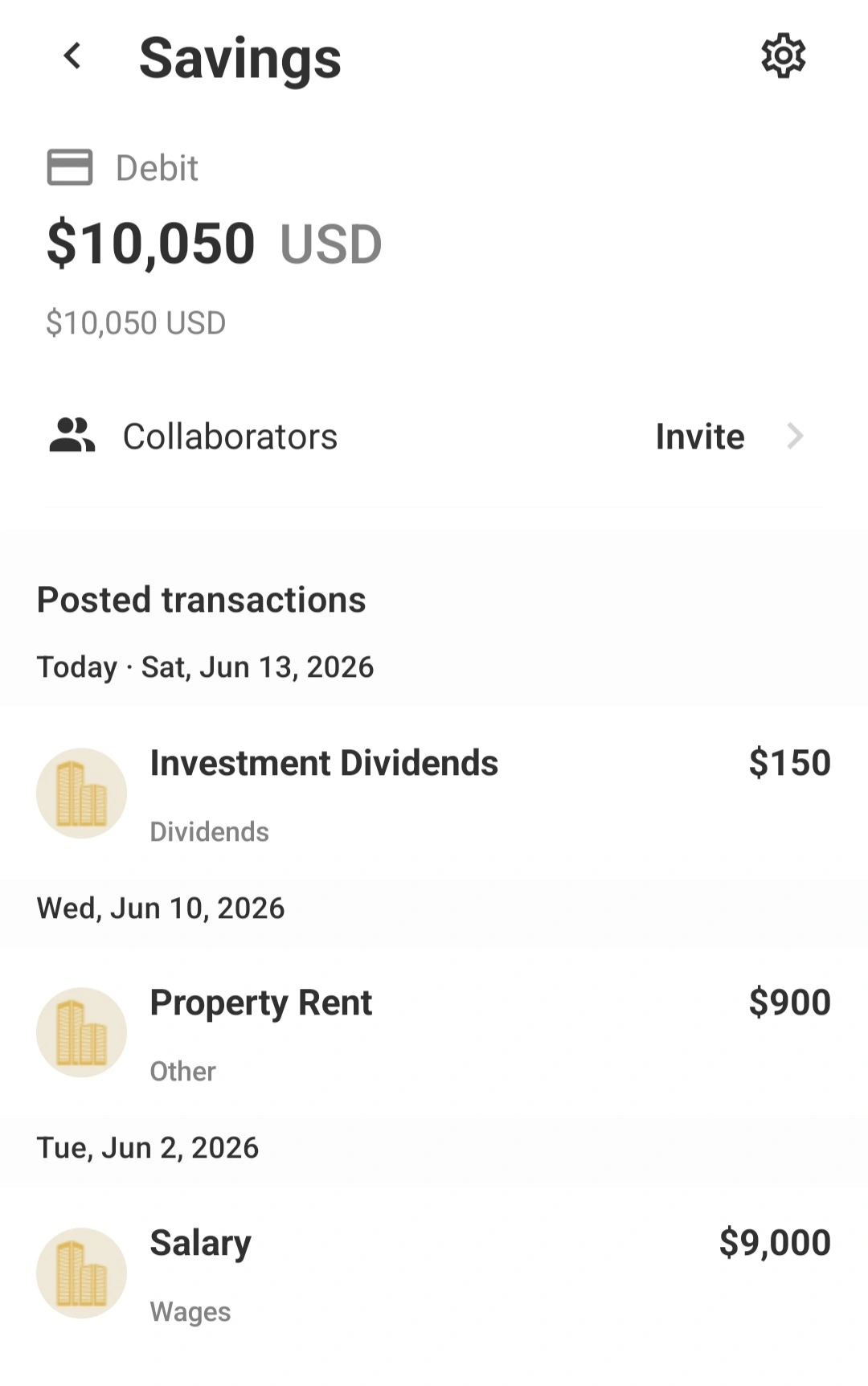
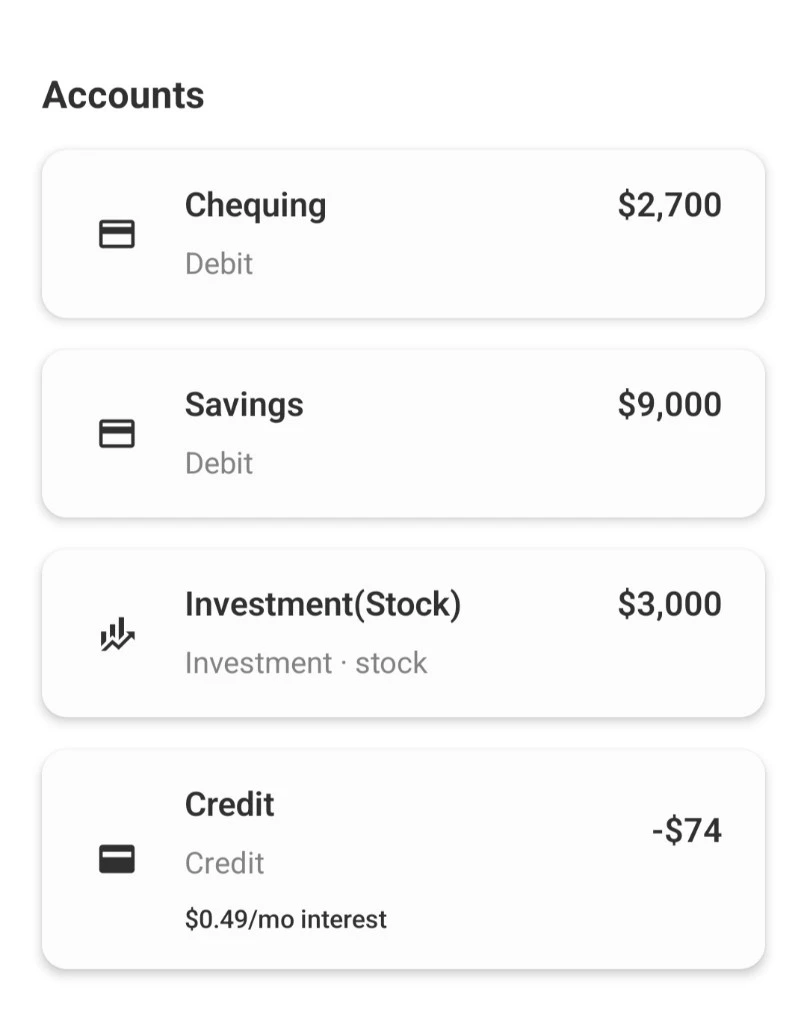
Savings account screen in the Savi walletAccounts list showing chequing, savings, investment, and credit balances

See everything you manage

  • View accounts in one dashboard—bank accounts, cards, and loans—so you never lose context.
  • Keep your spending organized with categories and budgets tailored to how you actually live.
  • Track confidently with security-first design principles built into the experience.
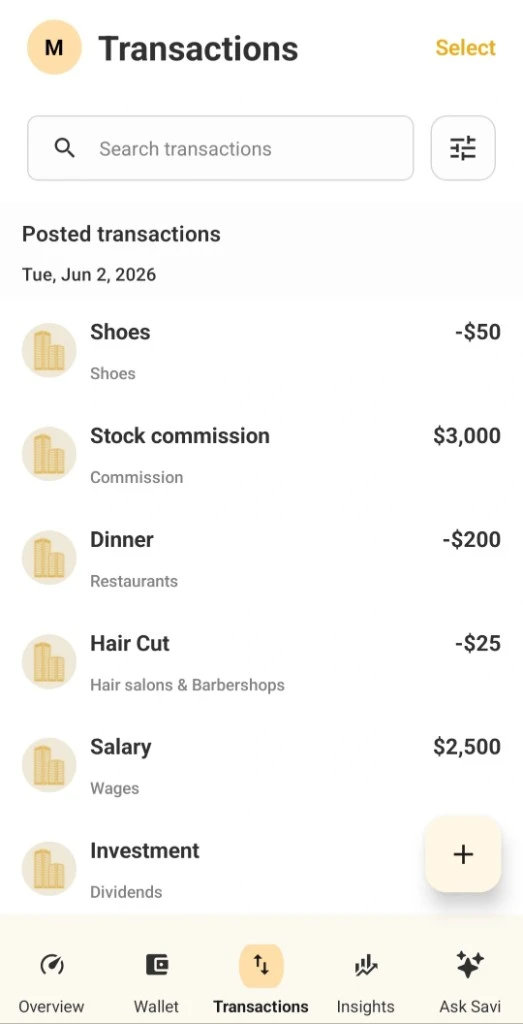
Transaction list with search, categories, and income and expense entries

Track transactions smarter

  • Stay on top of new transactions as your account activity updates.
  • Use clear categories to understand what’s driving your spend—fast.
  • Connect budgets to outcomes, so you can adjust before you fall behind.
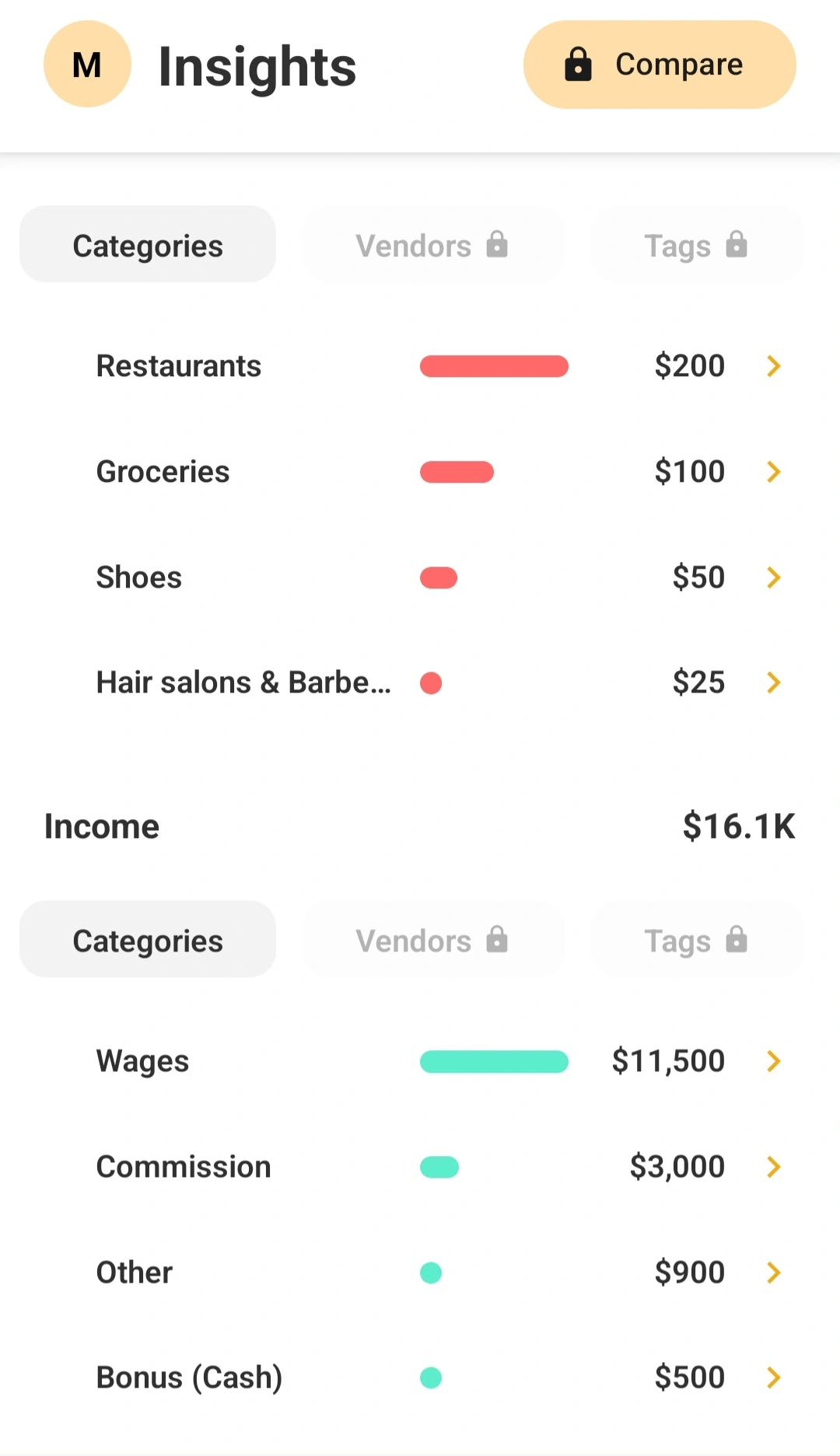
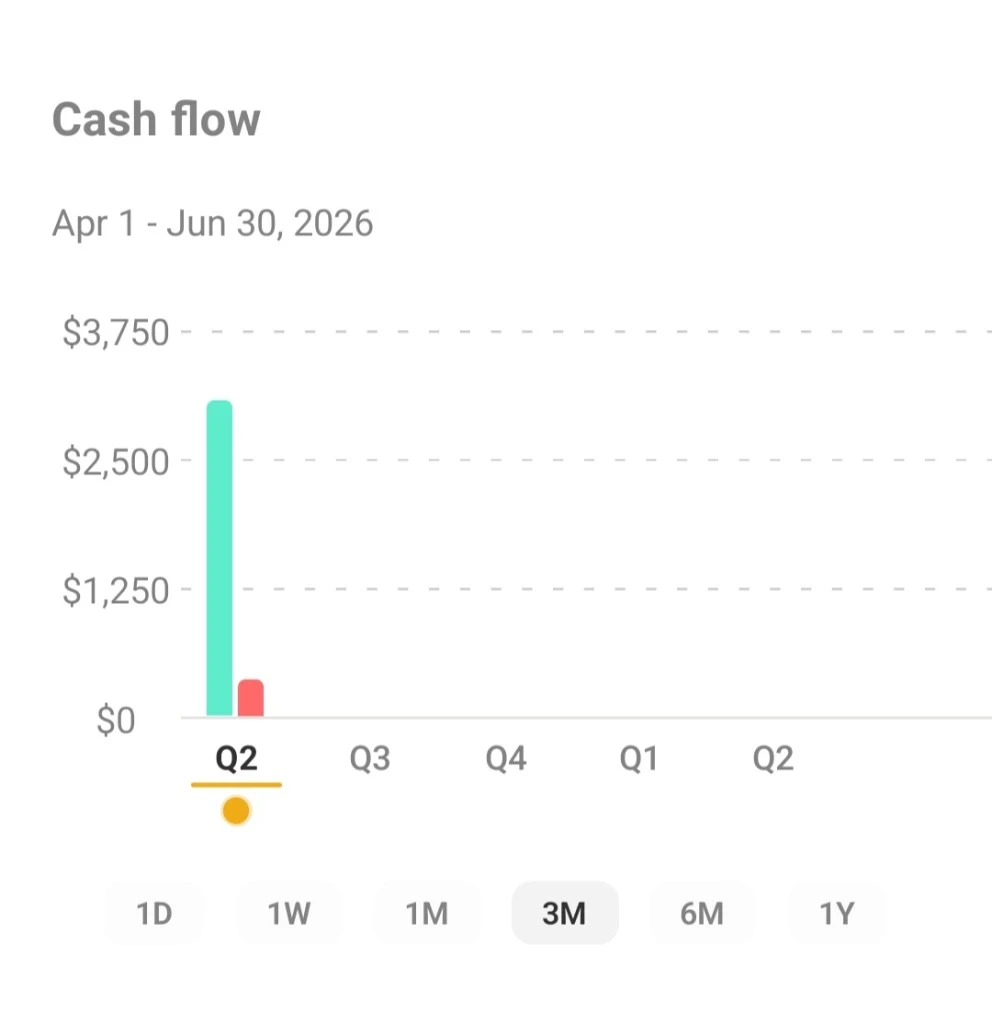
Insights tab showing cash flow, spending, and financial overviewCash flow chart showing income and expenses over time

Insights that help you decide

  • Spot trends in income and spending so your plan stays realistic.
  • Build budgets that match your goals and track progress over time.
  • Get nudges when spending moves off track, before it becomes a problem.

Build a useful view of your accounts

Connect supported bank, card, loan, and investment accounts through the providers available for your region. Account coverage varies by institution. When a connection is available, Savi brings balances and posted transactions into a shared dashboard so you can review the whole picture without opening several banking apps.

Start with the accounts you check most often, then add others as you need them. Review account names and categories after setup; clear labels make it easier to tell household spending from savings, debt payments, or investment activity when you scan your transactions later.

Turn transaction history into a spending plan

Use categories and budgets to give new activity context. Search a transaction when you need to confirm a merchant or amount, correct a category when an automated match is off, and review income and expenses over time. A budget is most useful when its categories match how you actually organize your spending.

If you are bringing history from another budgeting tool, Savi can import a transaction CSV in the mobile app. Review the detected columns before confirming the import. If a bank connection is unavailable or has a delay, a supported file gives you another way to bring records into your view.

Use account insights to decide what to review

Cash-flow and category views help you spot changes across a period, such as a higher grocery total or a month with less income. Treat a chart as a prompt to inspect the underlying transactions: refunds, transfers, unusual bills, or a missing account can change a monthly comparison.

When you see a trend, decide whether to change a budget, adjust a goal contribution, or simply keep watching. Savi organizes the activity you connect or import; it does not know why a transaction happened unless you add that context.

Common questions

Will every bank connect automatically?

Institution coverage depends on the connection providers available in your region. You can check whether your institution is supported before relying on an automatic feed.

Can I bring transactions from another app?

Yes. Import a supported CSV in the mobile app, review the detected columns, and confirm the mapping before adding the transactions.

Why might a recent transaction be missing?

A transaction appears after the institution and connection provider make it available. Timing can vary; check the institution feed or import a file if you need to bring in history.

Start Tracking Your Accounts Today.

Get Started